Sena Motorcycle App crashing

I am experiencing the same issue on both my below devices with Sena Motorcycles App v2.15 dated 2024/09/12.
The app initially connects to my Sena 20S EVO, shows the name and then closes the app. When launching the app again, it just flashes, trying to connect to the device and then closes.
I have reloaded the v2.2.2 firmware and factory reset the device.
This did start after the latest OS Upgrade on the A35 phone.
Sena 20S EVO (Model: SP38) running v2.2.2 firmware
1) Samsung A35 5G (SM-A356E/DS) on Android 14 with One UI 6.1, Google Play system update 2024/07/01
2) Samsung S5e Tablet (SM-T725) on Android 11 with One UI 3.1, Google Play system update 2024/07/01
Any advice?
-
Offizieller Kommentar

Hello,
Allan Engelbrecht it seems the app is crashing due to the hardware limitations of your device. Your phone likely has only 8GB of RAM, with the OS using a significant portion of it. If you have multiple apps running in the background, the device might be running out of memory, which could be causing the crash.
Alex Kisfalvi Nils Thomé the Google Pixel 7/8/9 currently has a known Bluetooth issue that originates from the Pixel 7 model. Unfortunately, this is a device-specific issue, and there’s no set timeline for a fix as google has to roll out a new firmware update / os update. You can research this issue and will find there are a pixel users encountering the same issues with their general Bluetooth device. -

I am experiencing the same issue on a Google Pixel 9 with the latest update and exact same model of 20S Evo.
0 -
Sena Support answerd on the ticket I raised for this with the below, however this does not solve it for me.
Thank you for contacting SENA Technical Support.
I am sorry to hear that you are having issues with your SENA device. I’ll be happy to help you out.
Did the issue start occurring after updating the app?
Please do a fault reset on your 20S EVO as well to see if that fixes the issue.
When the 20S EVO is not working properly or is in faulty status for any reason, you may reset by pushing the pin-hole reset button at the back of the headset main unit.
Power on the unit. Insert a paper clip into the reset pinhole and press the reset button for a second with light pressure. The 20S EVO will be switched off, and you have to turn the system back on and try again.
However, this will not restore the headset to factory default settings.
Thank you!Rico
Support Team Sena Technologies Inc.0 -

Same issue as you guys. Latest v2.2.2 firmware and 2 weeks ago it was working properly.
Now the device (20S Evo) is connected to my phone (Pixel 8) and I can use the speakers and mic, but the App is stuck when it tries to identify my Sena. Screen is flashing every few seconds and I can see the loading circle before the app would switch to the next menu. But it's stuck in that loop.Reset the main unit or reloading the firmware doesn't help, I'm pretty sure this issue is on the app side.
0 -

Same here with my S23! Was working till last update. App crashes or won't connect at all.
Reset evo 20s doesnt work, removed app and reinstalled wont work. Clearing cache wont work. No apps in background.
0 -
Hey @...
thanks for your reply. If that is related to the Pixel bluetooth issue, then why:
-was it working for me before the App update to v2.15 from 12.09.2024?
-can I still connect my Pixel with the device and use both speakers and mic to make a call or listen to music?
-Have other phones like Kaja Koenders's S23 the same issue?Best,
Nils0 -
Hi @...,
With all due respect, there cannot be this many devices that all of a sudden stop working, that previously worked, until the update.
0 -
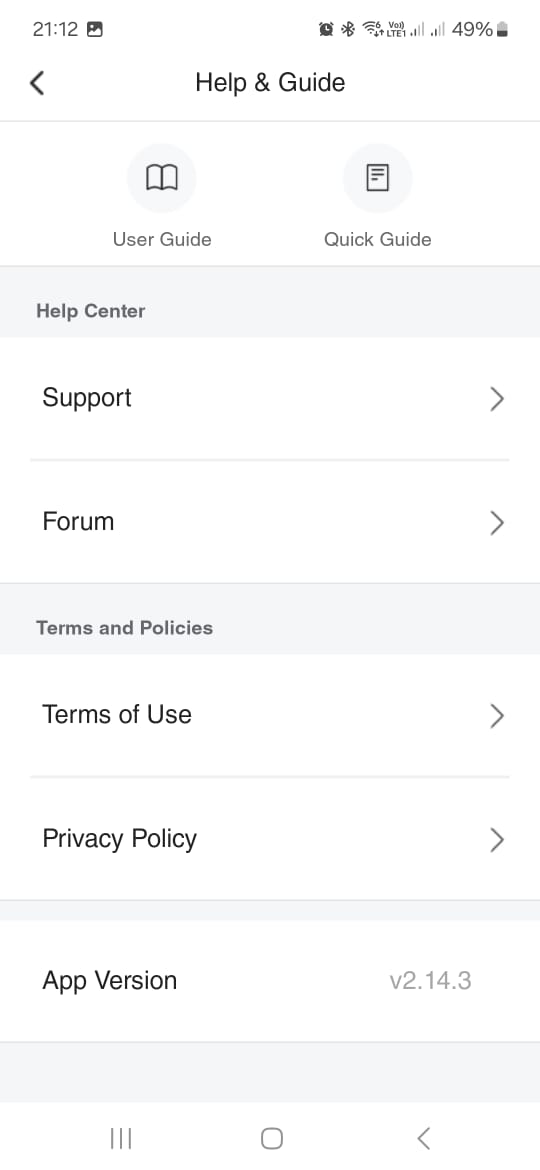
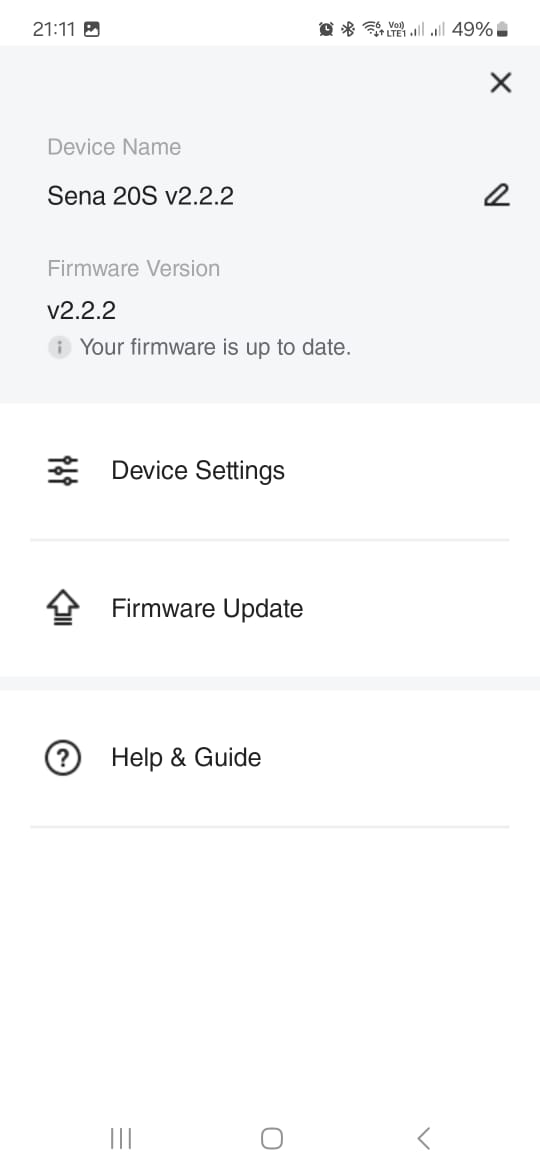
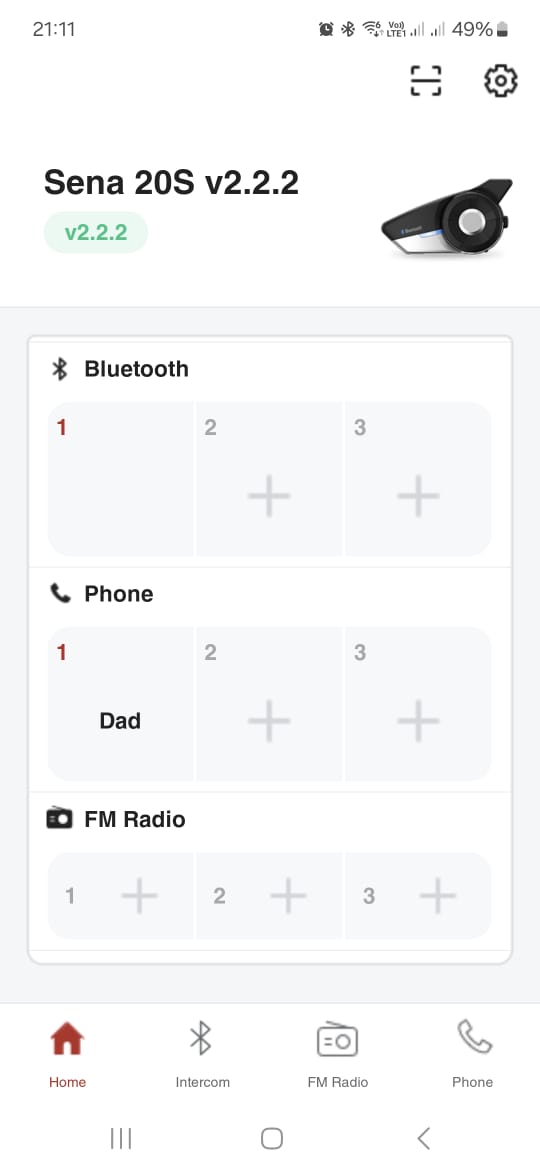
I was able to install v2.14.3 (66) of the Sena Motorcycles app, which is working 100%
 0
0 -

Windows 10 blocks unsigned drivers, like the Sena Device Manager, to ensure system security, just as stability is key in CarXStreet Drive Mod APK. To bypass this, disable driver signature enforcement through advanced boot options. This helps install unsigned mods or drivers, enhancing performance without compromising user experience.
0 -

Same here. Since latest update of app it crashes on Samsung S23. Sena s20 latest firmware. How can i get earlier version of app?
0 -
Can vouch for 1 more, my mate with a Samsung S23+ can no longer connect.
0 -

I opened it up (no warranty) the weldings of the button broke off so the button was flying loose inside the case and I really have no idea how this can happen... probably poor manufacturing. JJSploit
0 -
Thank you Sena, 2 new versions have been released and it now works again.
v2.15.3 was released on 2024/10/16
0
Bitte melden Sie sich an, um einen Kommentar zu hinterlassen.
Kommentare
13 Kommentare