help with google play sena motorcycle app

Hello, I have a problem!
-
Official comment

that feature still exist, when you click the gear icon on the top right of the sena app > Firmware and select update via wifi it should already have the previous Wifi adapter info saved there.
it actually gives you a list of previously used wifi adapters as well.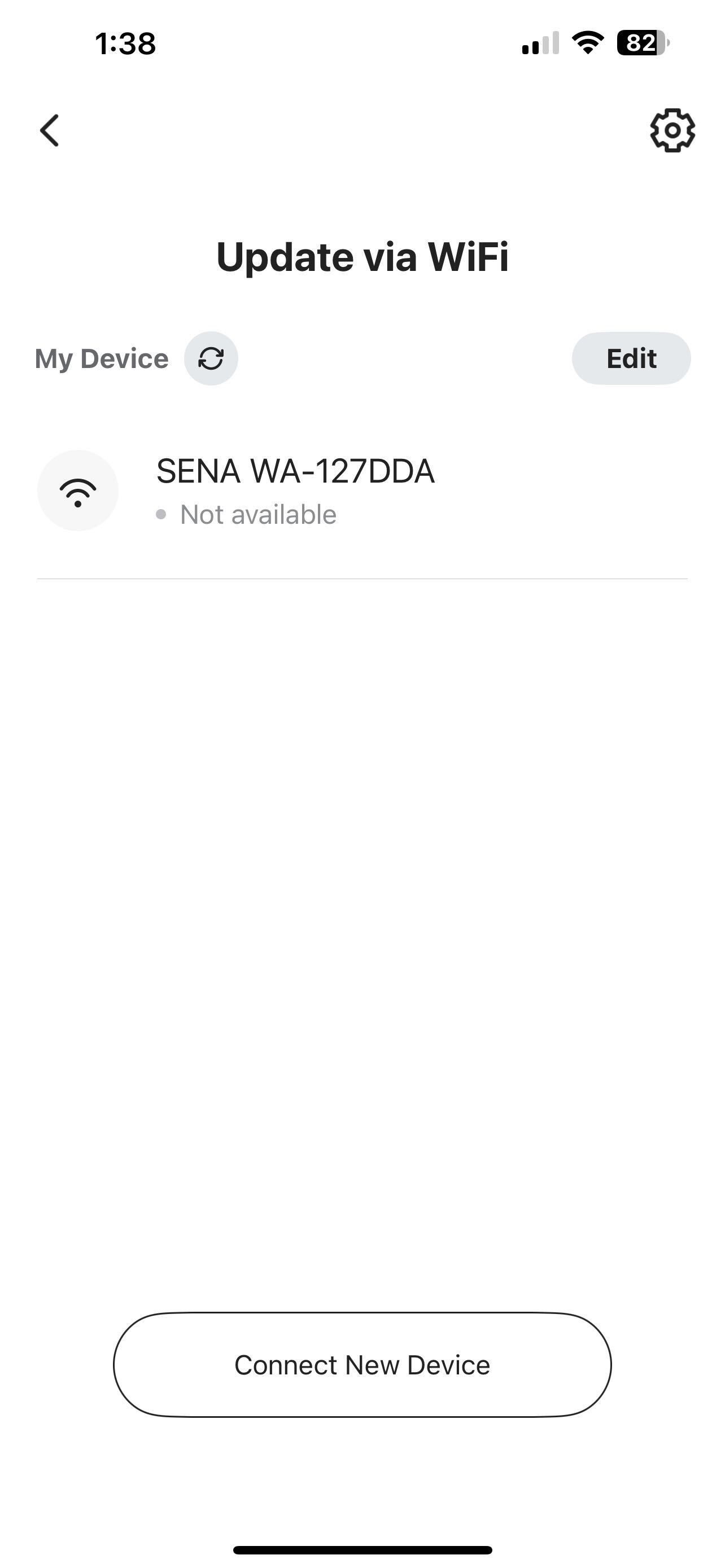
-
the screen you mention came up with no devices were found / configured, I forgot the exact wording.
i think that in the new app, the wifi adapters are saved in the local cache / databasae
but in the old app, my wifi adapters were found because it scan the wifi for them (they were already configured)
so would that mean that if my brother configures his wifi adapter on the new app, only he can see it, and he can't see the one that I configured on my phone?
0 -
I just setup my new pixel 9 phone and installed the sena app.
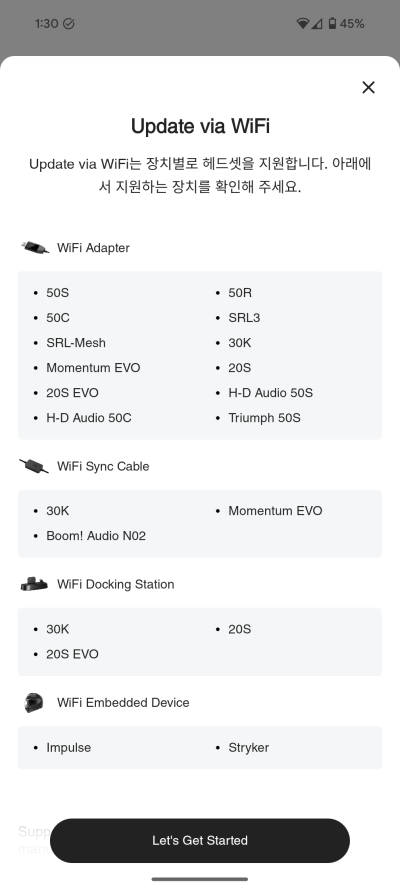
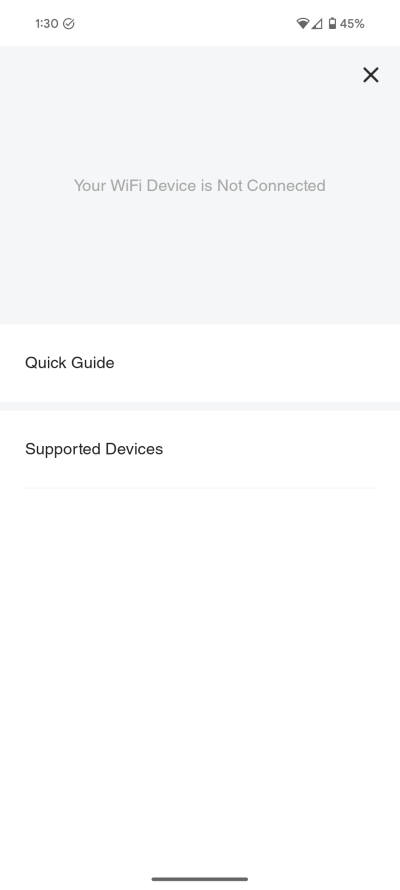
I can no longer see the wifi adapter that was setup on the pixel 7 phone, it brings me to the tutorial page
attached pictutes
--------------------------------------------------------------------------------------------------------------------------------------------------------------------
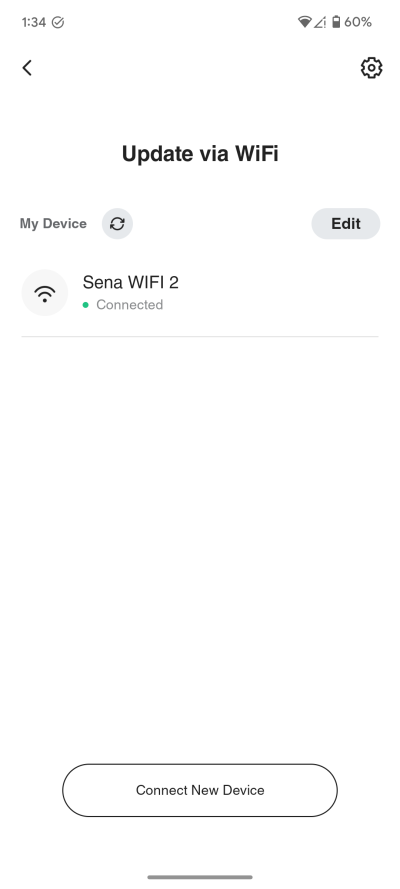
on the old phone I can see the wifi adapter just fine:
--------------------------------------------------------------------------------------------------------------------------------------------------------------------
SENA how do I reach this screen on the new phone? I don't care about the tutorial screen
The Old APP had this screen regardless if the app was just installed or re-installed, it would scan the wifi network and figure out I had the adapter already configured
0
Please sign in to leave a comment.
Comments
3 comments